Help XML and Multilingual Support
Everything the Rule Editor shows comes from one of two places, and each is translated its own way:
- Static text: the labels of operators, clauses and flow elements, the toolbar's buttons, the menu items, and every message of the Help String. It comes from an XML document called Help XML.
- Dynamic text: the names and descriptions of your source object's fields, in-rule methods, actions, parameters and enumeration values. It comes from your source object: the
DisplayName and Description of its Field, Method, Action, Parent and EnumItem attributes, or its member names when it has none. Since v7 it is translated with a source labels document.
An application in one language other than English needs only the first, plus display names written in that language. An application that serves several languages translates both, once per language, and picks the documents for each user. Rules are not affected: Rule XML names every element by its declared name, so a rule saved by a user in one language opens in any other.
| What you translate |
Stand-alone Rule Editor |
Rule Repository |
The English to start from |
| The editor's static text |
Control.HelpXml, HelpXmlFile |
Configuration.EditorHelpXml, EditorHelpXmlFile |
Control.GetDefaultHelpXml(), Context.GetDefaultEditorHelpXml() |
| The source object's names and descriptions |
Control.SourceLabelsXml, SourceLabelsXmlFile |
Configuration.SourceLabelsXml, SourceLabelsXmlFile |
Xml.GetSourceLabelsDocument(..) |
| The repository's own text |
|
Configuration.UiXml, UiXmlFile |
Context.GetDefaultUiXml(); see User Interface Text, Languages and Themes |
Help XML
Help XML is a plain XML document of the editor's static text. The editor ships two English documents compiled into CodeEffects.Rule.Editor.dll: one for business rules and one for data filtering, which says "filter" where the other says "rule". The editor uses the filtering document when its Mode is Filter, and the rules document otherwise. You can download the English rules document and filtering document, or get the one your version uses from the editor itself:
new Control().GetDefaultHelpXml().Save(@"C:\Translations\en\RuleHelp.xml");
Translate the text between the tags and change nothing else: keep every element, its name and its attributes, and keep the placeholders such as {0}. The words of the flow, operators, clauses, setters and collections sections are joined into the rule's sentence in a fixed order ("Check if field is greater than value and ... then set field to value"), so choose words that read well in that order, and keep the operators of each data type distinct from one another.
Then give the editor the document for the current user's language:
switch(culture)
{
	case "de-DE":
		ruleEditor.HelpXmlFile = Server.MapPath("~/App_Data/Translations/de-DE/RuleHelp.xml");
		break;

	case "fr-FR":
		ruleEditor.HelpXmlFile = Server.MapPath("~/App_Data/Translations/fr-FR/RuleHelp.xml");
		break;

	// English needs nothing: the editor uses its own document
}
HelpXml takes the document itself, as an XmlDocument, which saves reading a file on every request if you keep the documents in memory. It takes precedence over HelpXmlFile.
Source Labels
A source labels document gives the members of a source object their display names and descriptions in another language. Each label names its member by identity, never by its display name, so the source itself doesn't change and one document serves every version of it:
| Member |
Identified by |
| The source |
its name: the class's full name, or the name of its Source XML |
| A field |
its property path, such as Amount or Applicant.CreditScore for a field of a referenced object |
| An in-rule method or an action |
its method name and the types of its parameters, so overloads are told apart |
| A parameter |
its position |
| A reference property |
its path |
| An enumeration value |
its enumeration's type and its number |
You never write this document by hand. Generate it from the source, with the source's own names and descriptions as its values:
using CodeEffects.Rule.Editor.Utils;

// From a source class; there are overloads for Source XML and for an Adaptive Source's provider
XmlDocument labels = Xml.GetSourceLabelsDocument(typeof(LoanApplication));
labels.Save(@"C:\Translations\en\Labels.xml");
<codeeffects xmlns="https://codeeffects.com/schemas/labels/7">
	<source name="Acme.Loans.LoanApplication" displayName="Loan Application">
		<field name="Amount" displayName="Amount" description="The amount requested, in dollars." />
		<field name="Applicant.CreditScore" displayName="Applicant Credit Score" />
		<field name="Collateral" displayName="Collateral" itemName="Collateral" />
		<method name="DebtToIncome" parameters="" displayName="Debt To Income" />
		<action name="NotifyUnderwriter" parameters="input:System.String" displayName="Notify Underwriter" />
		<reference name="Applicant" displayName="Applicant" />
		<enum class="Acme.Loans.LoanPurpose">
			<member value="1" displayName="Home" />
		</enum>
	</source>
</codeeffects>
Translate the values of the displayName, description and itemName attributes, and the description of each parameter element where there is one. Keep the name, parameters, index, class and value attributes exactly as they are: they say which member each label belongs to. A value left empty, or a member left out, keeps the source's own text. Within one source, keep display names distinct, as in the original.
Then give the editor the document for the current user's language, next to its Help XML:
ruleEditor.HelpXmlFile = Server.MapPath("~/App_Data/Translations/de-DE/RuleHelp.xml");
ruleEditor.SourceLabelsXmlFile = Server.MapPath("~/App_Data/Translations/de-DE/Labels.xml");
SourceLabelsXml takes the document itself and takes precedence over SourceLabelsXmlFile. A file that is not well-formed XML throws a MalformedXmlException with the control number CE10261.
The labels change only what people read: the menus, the rule's text, the descriptions and the Help String. GetRuleXml(), GetSourceXml() and every rule you store keep the source's own names. To show a source's members in another language outside the editor, Xml.ApplySourceLabels(sourceXml, labels) returns a labelled copy of its Source XML.
Before v7, the way to translate a source was a separate Source XML document per language. It still works for a stand-alone editor, but every copy must be kept in step with the source; a labels document holds only the text, and the Rule Repository, which stores one definition per source version, accepts only labels.
The AI Rule Editor and AI Agents
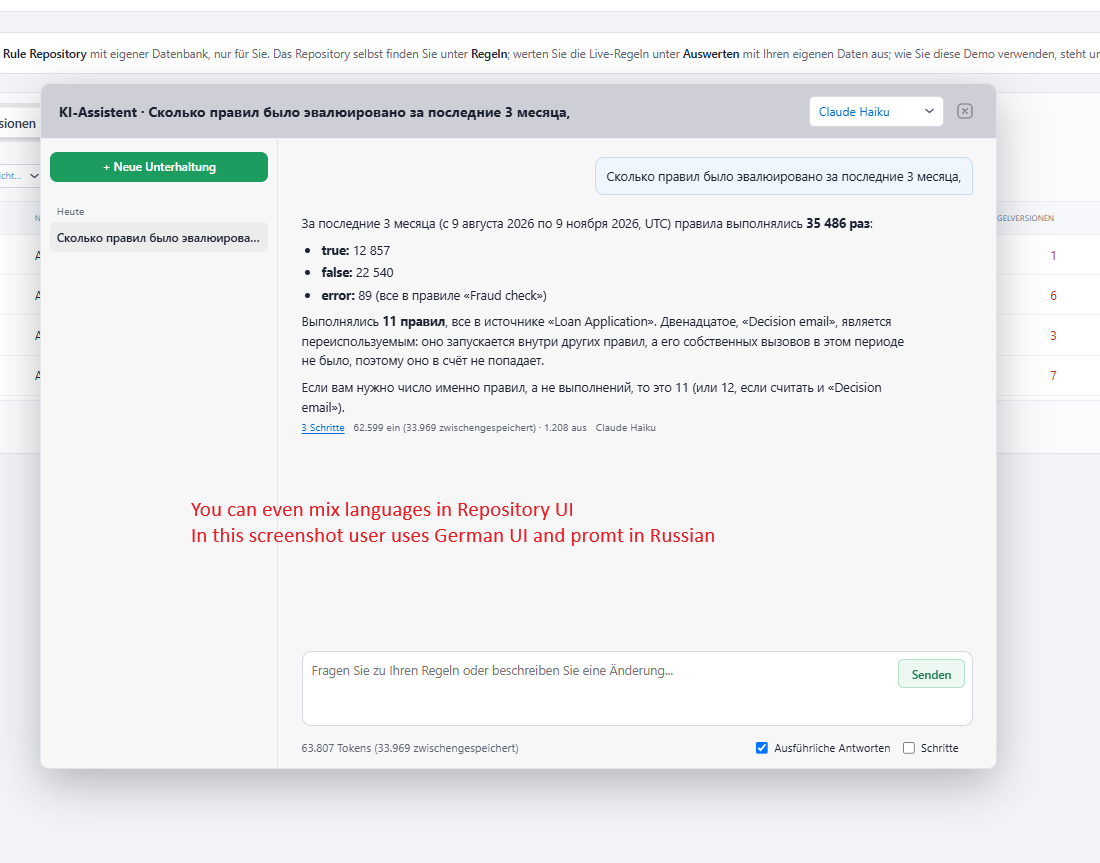
AI features work with the source's own names, the canonical names, in whatever language the source was written: a source written in French is canonical in French. The labels are given to them beside those names, so a person can name a field in their own language, and the agent writes the rule with the canonical name. In the Rule Repository, the MCP server and the AI Assistant return each member's translated name and description as localLabel and localDescription.
In the Rule Repository
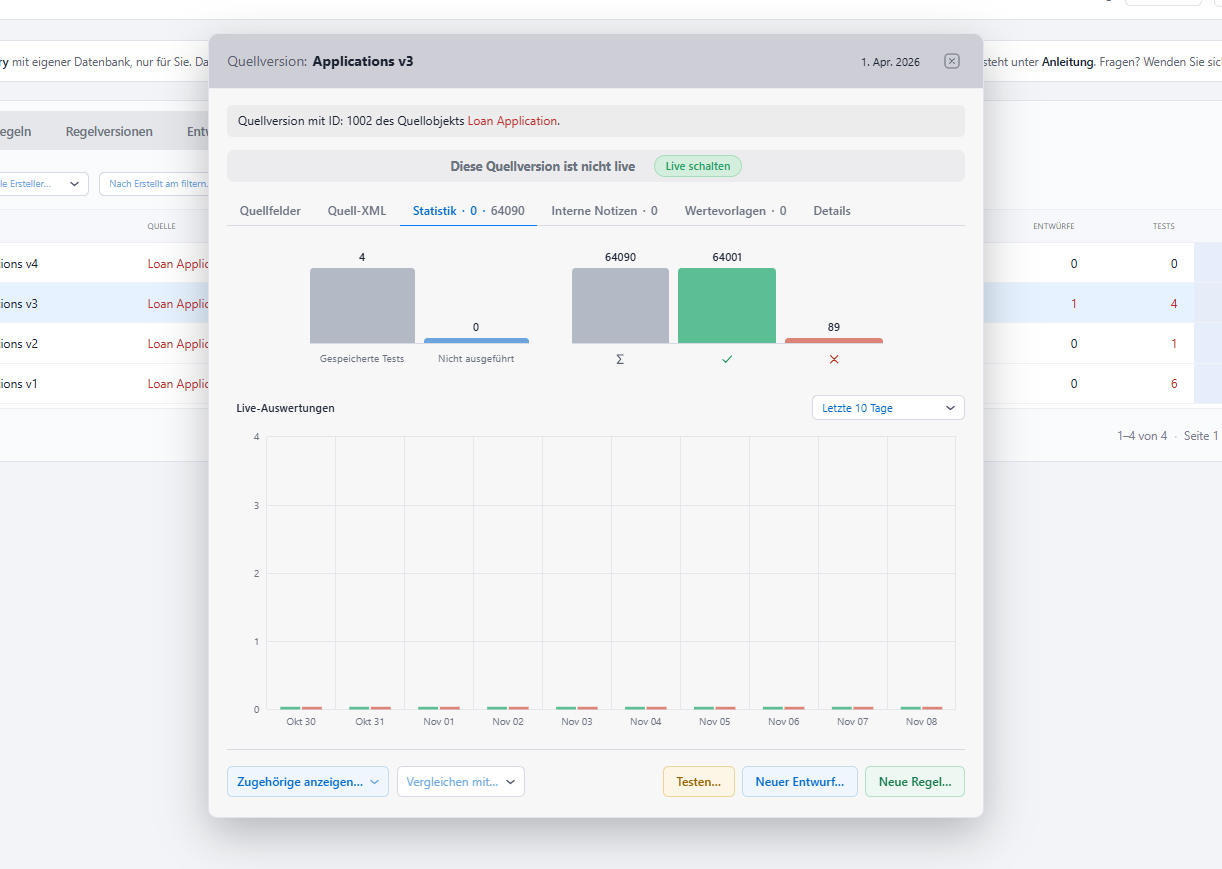
The repository builds its rule editors itself, so you set the editor's documents on its Configuration, beside the repository's own text, for each request:
var config = new Configuration
{
	// ...
	UiXmlFile = Path.Combine(root, culture, "Repo.xml"),            // the repository's text
	EditorHelpXmlFile = Path.Combine(root, culture, "RuleHelp.xml"), // its rule editors' text
	SourceLabelsXmlFile = Path.Combine(root, culture, "Labels.xml")  // your source objects' names
};
Context.GetDefaultEditorHelpXml() returns the English Help XML to translate. The repository lays the source labels over every source version wherever people read it, the rule editors and the Source Fields tab, while the Source XML and Rule XML tabs show what is stored. A file it cannot read fails the request with CE10262 (Help XML) or CE10263 (source labels). See User Interface Text, Languages and Themes for the repository's own text and for choosing a language per user.
When a Source or a Release Changes
- A new source version may add fields, methods or actions. They show their own names until you label them: generate the labels document again from the new version, compare it with the one you translated from, and add what is new to each translation.
- A new release of the editor may add text to Help XML. Compare its default document with the one you translated from in the same way. Keep the English each translation was made from in source control next to it, so the comparison is a plain text diff.